Sign in
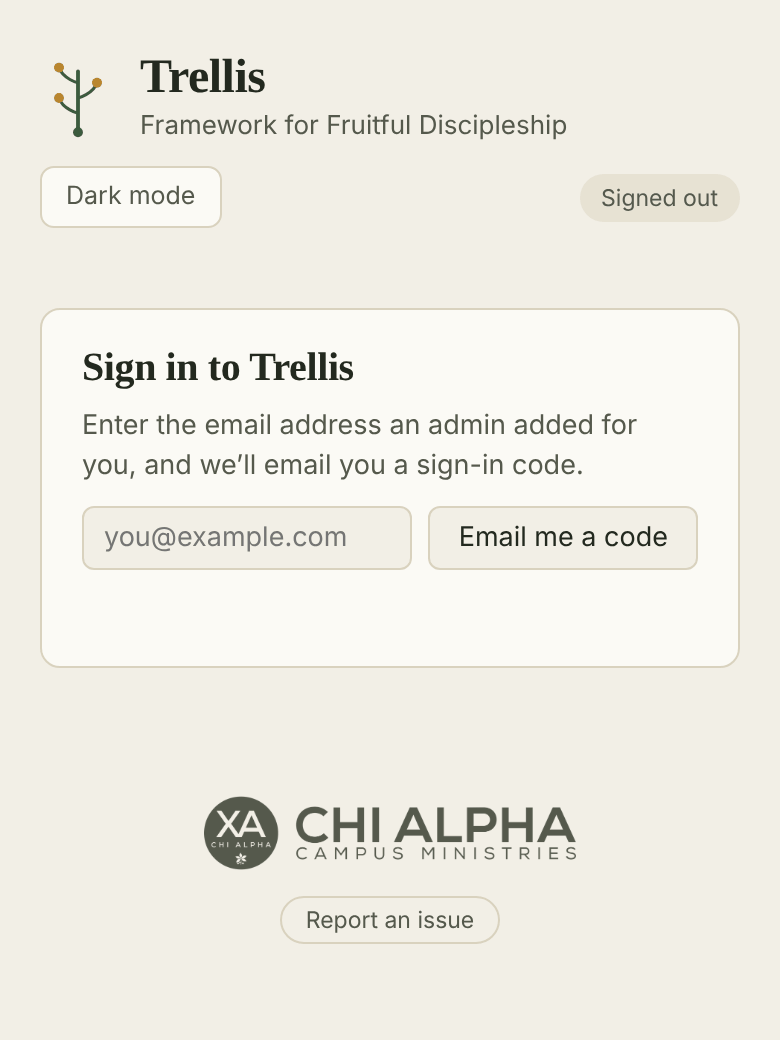
- Go to trellis.chialphaosu.com.
- Type the email address an admin set up for you and tap Email me a code.
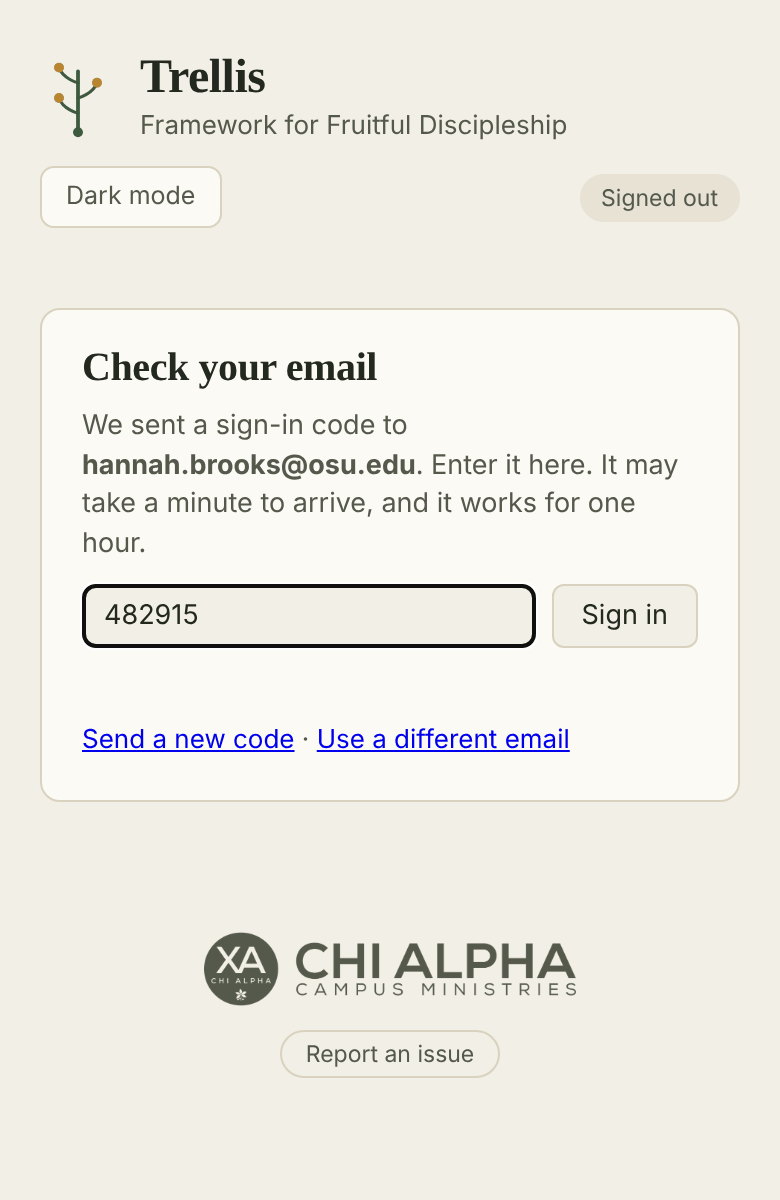
- Check your email for a message from trellis@chialphaosu.com with a 6-digit code. It can take a minute to arrive.
- Type the code into Trellis and tap Sign in.
A code works for one hour. If it doesn’t arrive, check your junk folder or tap Send a new code. Only the newest code works.
If Trellis says you don’t have access yet, ask a Trellis admin to add your email and make you a Resource Team Leader.
On your phone, use Add to Home Screen in your browser’s share menu so Trellis opens like an app. You stay signed in on that device.