Trellis Quick Guide
For Admins · Ohio State Chi Alpha
Sign in
- Type your email and tap Email me a code.
- Type the 6-digit code from trellis@chialphaosu.com. It works for one hour.
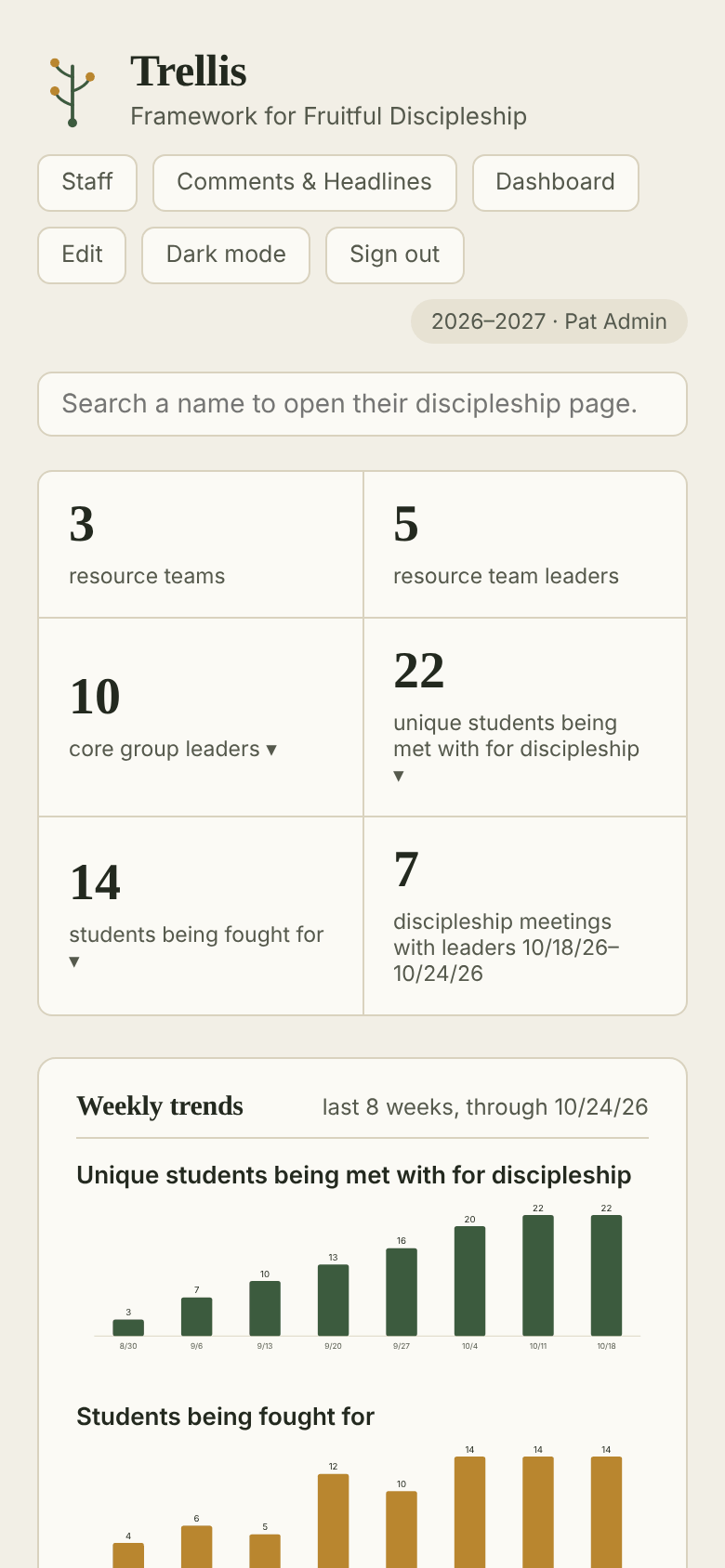
You land on the front page with every team.
Where to do it
- Add a team: Edit → front page → Add resource team
- Remove a team: open it with Edit on → Remove team
- Who needs attention: Dashboard
- Report a milestone: Dashboard → + Report a milestone
- Staff reports and profiles: Staff
- Planning Center sync, Form imports: Edit → front page
- Microsoft 365 sync, staff imports: Staff with Edit on
Edit
Edit unlocks changes everywhere, including milestones and Core Member profiles. Tap Done editing when finished.
Milestones & Planning Center
Pick the person from Planning Center so their profile there is updated too. Removing a record undoes it.
Syncs
Planning Center and Microsoft 365 both sync every night on their own. Sync now is for when you can’t wait.
Form imports
Importing the same Microsoft Form file twice is safe. Weeks already in Trellis are kept.
In Supabase
Sign-in access, disciplers and Planning Center links are set in the SQL editor. The full guide has the commands.
Backups
Run every night. Before a big import, run Database backup in GitHub Actions.